Inspirations
AI Baby Singing Generator
Make a baby photo sing with a short, clean audio clip for birthdays, greetings, and family-safe posts.
Make a baby photo sing with AI lip-sync
Use AI Baby Singing when the audio leads the idea: a birthday song line, lullaby keepsake, nursery rhyme, holiday card, or funny short lip-sync.
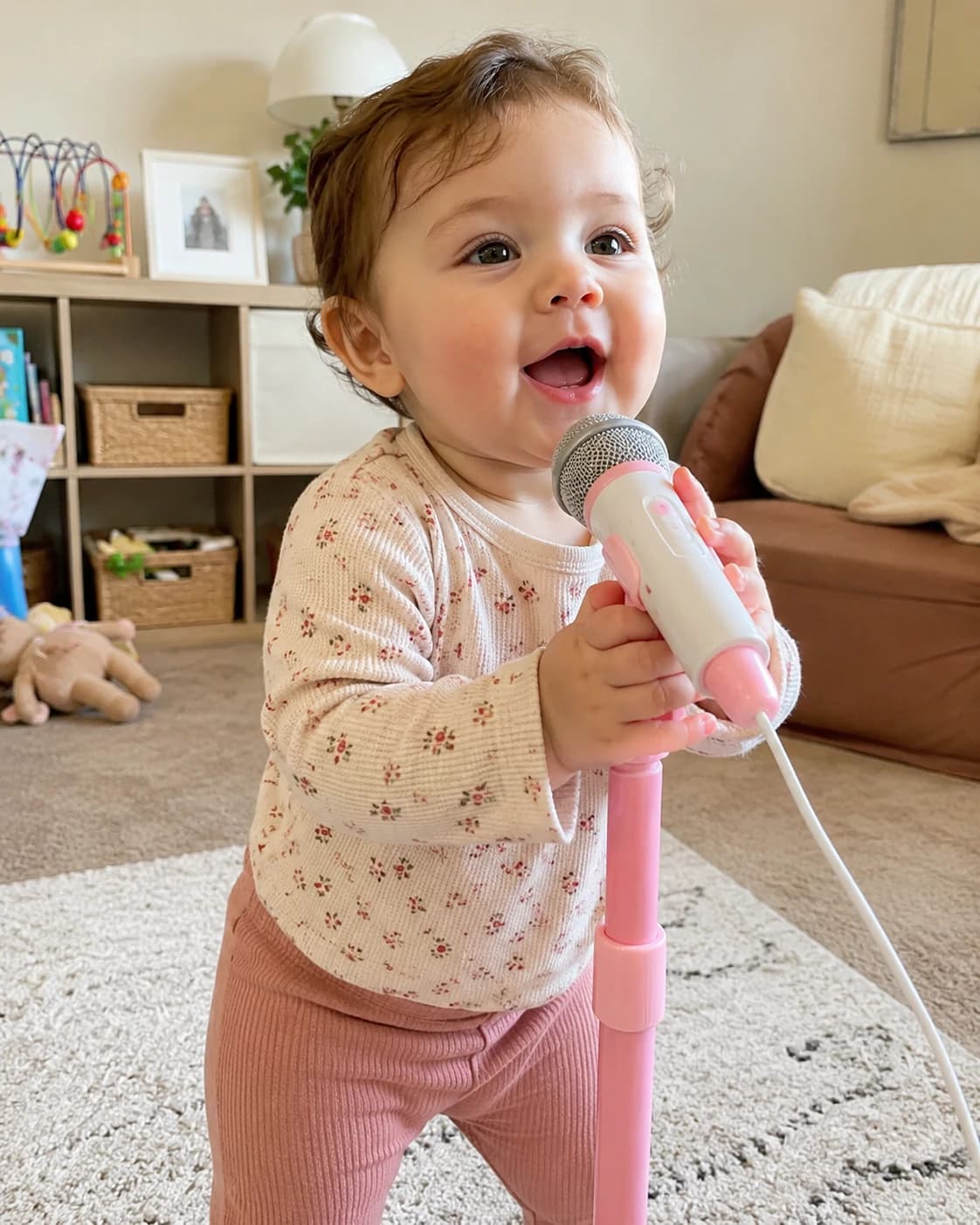
Baby photo + audio = AI baby singing video
This page is for music-led baby clips. A clear face, visible mouth, short audio segment, and rights-safe song choice matter more than a long prompt.
Upload one clear baby photo with face and mouth visible.
Add a song, lullaby, nursery rhyme, or short audio clip you can use.
Create vertical 9:16 singing baby videos for mobile-first sharing.
Use sample audio first if you want to test the workflow.
Review resolution and credits before generation.
Best for short songs and music-led greetings
Start with the occasion and audio rights, then choose a baby photo that can support singing lip-sync. Short, recognizable clips are easier to review and share.
Make baby singing videos without timeline editing
Use lullabies, birthday songs, nursery rhymes, or licensed/owned audio for safer sharing.
Keep the face centered and mouth visible so lip-sync has enough detail to work with.
Generate a sample first, then refine the photo, audio length, or resolution.
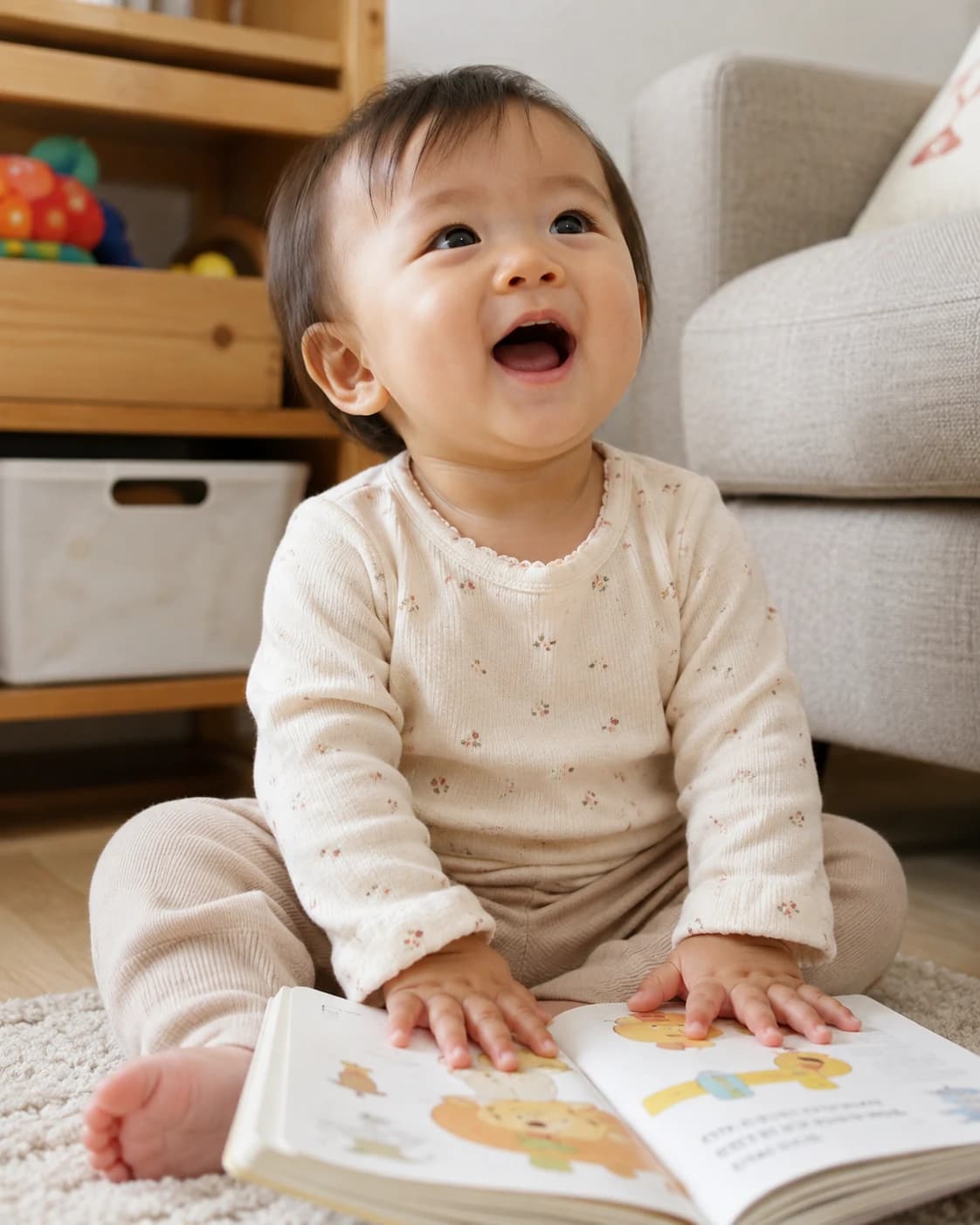
Match the baby photo to the audio
A baby singing video works best when the face and the sound can meet in the middle: the mouth must be readable, and the audio must have a clear vocal rhythm for lip-sync.
Photo signals
Use a portrait where the lips are visible, relaxed, and not covered by toys, hands, bottles, or pacifiers.
Front-facing photos usually give the AI baby singing generator a cleaner mouth shape to animate.
Avoid photos where the baby is laughing wide open if the audio is soft or slow.
Audio signals
Use a short vocal phrase with a clear start, steady volume, and minimal background noise.
Lullabies, birthday lines, and nursery rhyme hooks are easier to review than full songs.
Only upload audio you own, recorded yourself, licensed, or otherwise have permission to use.
Prepare short, clean, rights-safe audio
Audio quality matters as much as the photo. The clearer the vocal timing, the easier it is to produce a believable baby singing video.
Use short, clear, rights-safe audio
Use audio you have permission to use, especially for public or commercial posts.
Choose a short segment first; long clips are harder to judge and may cost more.
Prefer clear vocals over noisy recordings or crowded instrumentals.
Trim silence at the start and end so the video begins cleanly.
Avoid extremely fast lyrics when testing lip-sync.
Try sample audio first if you only want to check whether the photo works.

Prepare a photo made for singing lip-sync
Singing videos focus on the face. A cute photo is not always a good lip-sync photo if the mouth is covered or the lighting is weak.
.webp&w=2048&q=75)
Use a photo made for singing lip-sync
Choose a close baby portrait where the lips, eyes, and cheeks are easy to read.
Avoid pacifiers, bottles, fingers, toys, or blankets covering the lips.
Prefer front-facing portraits with even lighting.
Avoid heavy filters, screenshots, and low-resolution crops.
Keep the face centered for 9:16 mobile video.
If the mouth movement looks unstable, try a sharper portrait and shorter audio.
Refine audio and photo separately
When an AI baby singing video looks wrong, the problem is usually either the mouth source or the vocal source. Separate those two before you generate again.
Read the lip-sync before changing inputs
If the mouth moves late, trim silence or breath noise at the beginning of the audio.
If the mouth shape looks unnatural, switch to a portrait with softer lips and clearer front lighting.
If the face identity drifts, keep the same audio and test a sharper baby photo before changing the song.
If the clip feels noisy, use vocals with less background music before raising quality settings.
If you want to make a baby photo sing for a birthday post, test one short lyric line before using the full greeting.

How to make a baby sing with AI
Treat the process like matching a singer to a recording. The best result comes from one mouth-friendly photo and one clean, rights-safe vocal clip.
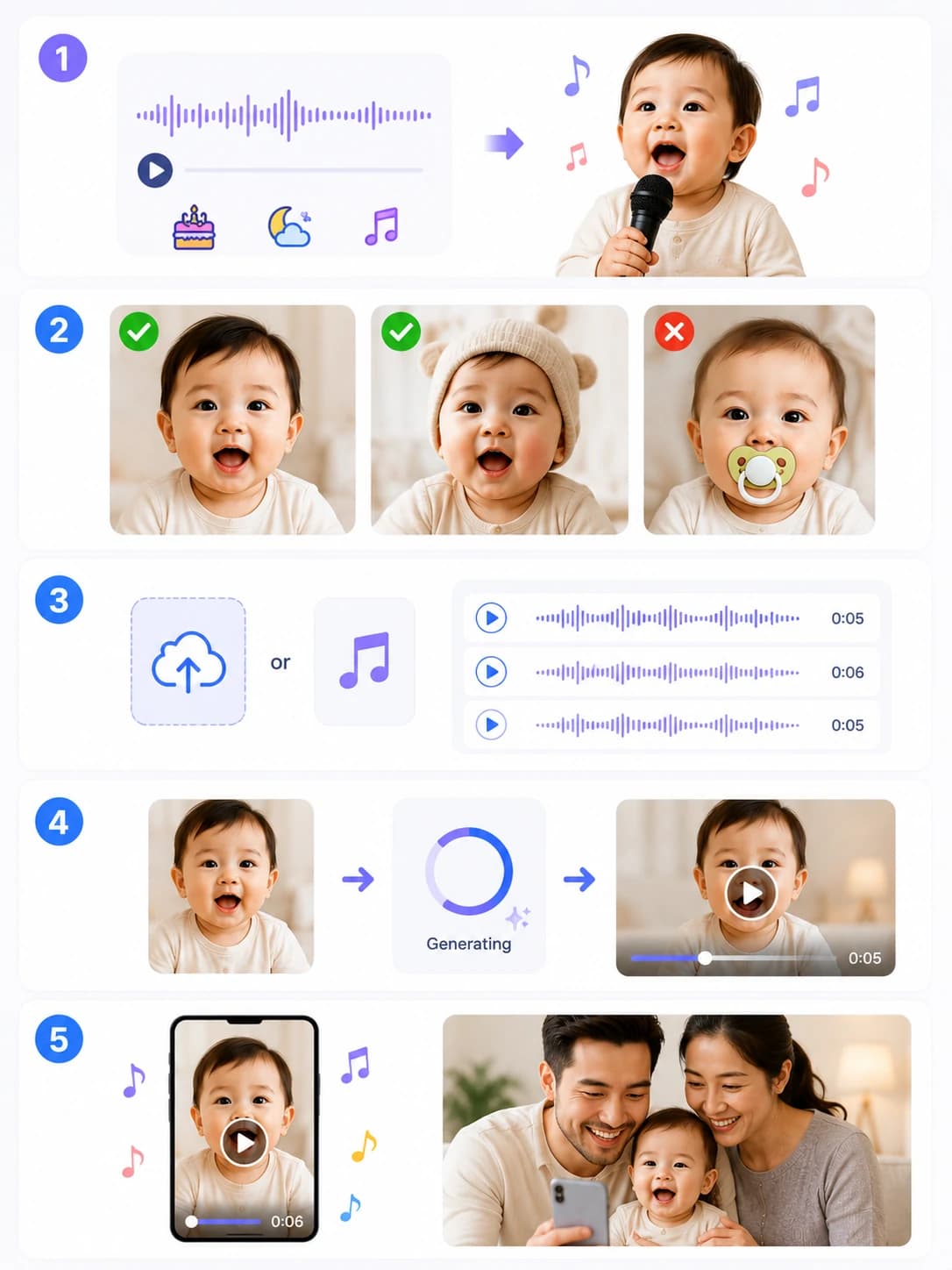
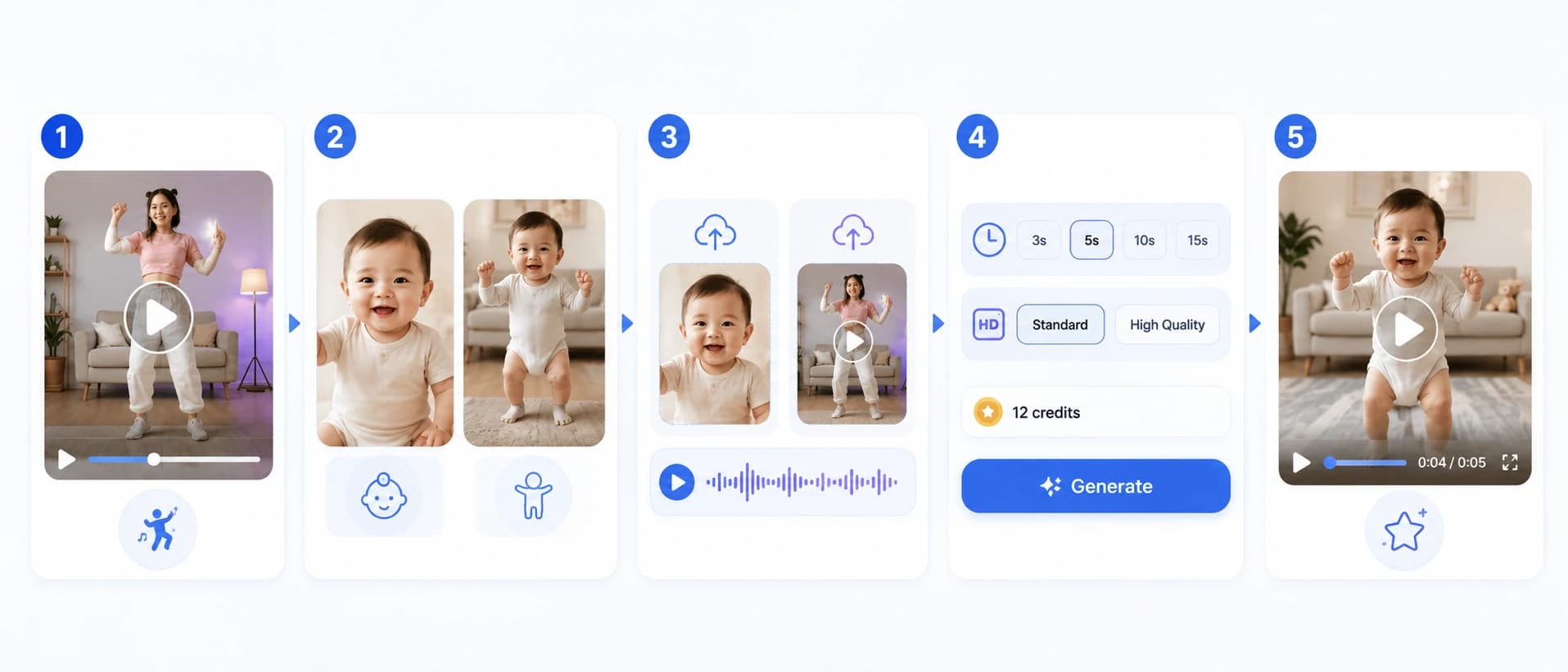
1
Choose the vocal moment first
Pick a short birthday line, lullaby phrase, nursery rhyme hook, or permitted song segment with clear vocals.
2
Pick a mouth-friendly photo
Use a baby portrait with visible lips, even lighting, and a face angle that can support singing motion.
3
Upload audio or test sample audio
Use sample audio to check the photo, or upload audio you have the right to use for the final clip.
4
Generate a short first pass
Review credits, then make a short test so you can judge mouth timing, face stability, and vocal clarity.
5
Finalize the usable version
Keep the audio and photo that sync best, then generate the version you want for family sharing or a vertical post.
Turn the first singing result into a usable clip
Do not judge the first output only by cuteness. Check whether the mouth follows the vocal, whether the face stays recognizable, and whether the clip has a clear reason to be shared.
If the timing is close but not clean
Keep the photo and trim the audio to a tighter phrase with a clearer first syllable.
If the mouth looks wrong
Keep the audio and change to a portrait where the lips are relaxed, centered, and well lit.
If the song is too busy
Use a vocal-only section, a slower lyric, or a short nursery rhyme line before trying a denser track.
If it is a family keepsake
Choose softer audio and a calmer portrait so the AI baby singing video feels warm rather than exaggerated.
If it is for Reels, Shorts, or TikTok
Use a short hook, keep the face centered, and make sure the first second clearly shows the baby singing.
AI Baby Singing Generator FAQ
Answers to common questions about making a baby photo sing with a photo, song or audio clip, and prompt.
What is an AI baby singing generator?
An AI baby singing generator creates a short video where a baby photo appears to sing or lip-sync to your audio clip. You can guide the mood, stage style, expression, and framing with a short prompt.
How do I make a baby photo sing?
Upload one baby photo, add one song or audio clip, then add a short prompt. A clear photo, visible mouth, and clean vocals usually create a better baby singing video.
Can I upload my own song or audio?
Yes. Add your own song, nursery rhyme, birthday message, voice recording, or short audio clip as long as you own it or have permission to use it. Short, clear audio works best for baby lip-sync singing.
What kind of baby photo works best?
Use a sharp, front-facing baby portrait with visible mouth and eyes. Avoid pacifiers, bottles, fingers, toys, blankets, heavy shadows, and very small crops because they can weaken lip-sync.
How long should the audio be?
The editor supports audio up to 60 seconds, but shorter clips usually look cleaner. Start with 10 to 20 seconds for birthday baby singing videos, nursery rhymes, or family greeting songs.
How many credits does AI baby singing cost?
AI baby singing is billed by your detected audio duration (rounded up). The current Kling Avatar rates are 480p = 16 credits per second and 720p = 30 credits per second.
Can I create birthday baby singing videos?
Yes. Birthday songs, grandparent greetings, holiday songs, and short family message songs are strong use cases for the AI baby singing generator. Keep the audio rights-safe and the clip short.
Why is the mouth movement not perfect?
Lip-sync quality depends on the photo and audio. If the mouth movement looks unstable, use a sharper portrait, clearer vocals, shorter audio, and less extreme facial expression in the source photo.
Can I use baby singing videos on TikTok or Reels?
Yes, as long as you have permission to use the baby photo and audio. For public posts, keep the context family-safe, avoid sensitive personal details, and label AI-generated clips when appropriate.
Can I use copyrighted songs for AI baby singing?
Only upload audio you own, recorded yourself, licensed, or otherwise have permission to use. The AI baby singing generator does not grant rights to third-party songs, recordings, or copyrighted audio.
Create an AI baby singing video in minutes: upload a photo, add a song or audio clip, and tune your prompt. This AI baby singing generator is designed for birthdays, nursery rhymes, family greetings, lullabies, and shareable short clips.