Watermark
Public Visibility
Inspirations
Baby Photo + Dance Motion
AI Baby Dance Video Generator
Upload one clear baby photo, use a sample motion or your own short dance video, and create a playful dancing baby clip for birthdays, family chats, and vertical social posts.
One baby photoSample or uploaded motionShort vertical clips


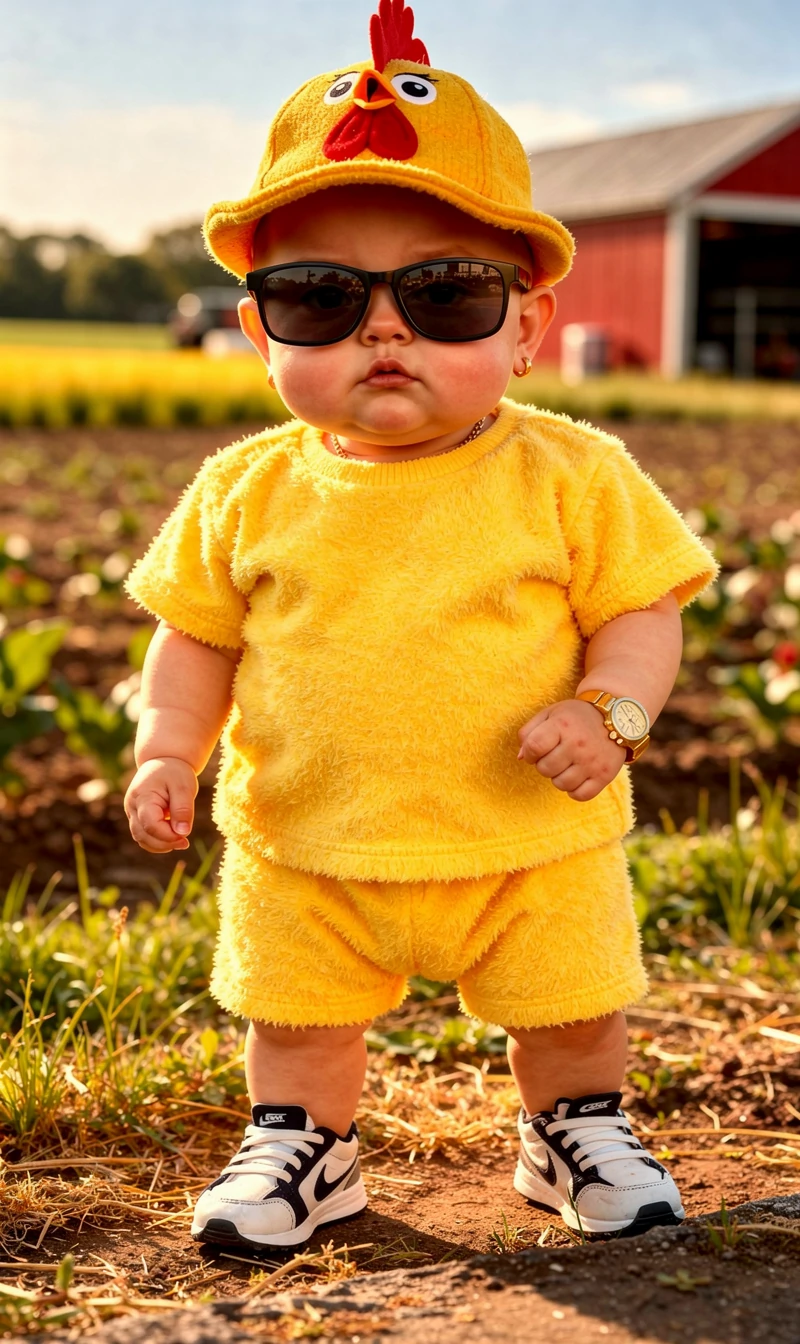
Baby Photo + Dance Motion
AI Baby Dance Video Generator
See how a baby photo and a short dance reference become a playful, family-safe video.
Make a baby photo dance with one matched motion
This page is for turning a baby photo into a dance clip. If you want talking, singing, or a general baby scene, use the matching tool instead.
.webp&w=2048&q=75)
=
Baby photo + dance reference = dancing baby video
The dance reference controls the movement, and the baby photo controls the face and body details. The best results come from matching the motion to what is visible in the photo.
Start with one clear baby photo, preferably with shoulders or body visible.
Use a gentle dance reference for close portraits and stronger movement only for full-body photos.
Keep the clip short so face stability and body motion are easier to judge.
Use vertical 9:16 framing for Reels, Shorts, TikTok, and family chats.
Review the credit estimate on the generate button before creating multiple versions.
Pick a dance motion that fits the baby photo
A dancing baby result feels better when the reference motion matches the pose, body visibility, and intended use of the clip.
Use the dance reference as motion direction
For a close-up baby photo, choose small arm moves, tiny bounces, or gentle swaying.
For an upper-body or full-body photo, you can test more playful motion while keeping the face centered.
For public posts, use a motion clip you own or have permission to use.
Do not present an AI-generated dancing baby clip as real footage.

Use inputs that work together
The baby photo and dance reference should describe the same kind of body position. If they disagree, artifacts are more likely.

Baby photo
Use a single baby as the clear subject.
Choose a photo with good lighting and a visible face.
Prefer shoulders, torso, or full body when you want stronger dance movement.
Avoid group photos, heavy blur, covered faces, and tightly cropped heads.
Dance reference
Pick a short motion video that matches the baby's pose and visible body area.
Use a sample motion first if you want to test your photo quickly.
Use your own dance video only when you have permission to use it.
Change one input at a time when comparing results.
Choose a photo that can carry an AI baby dance
For this tool, the baby photo is not just a portrait. It has to give the AI enough body information to follow the dance reference without inventing awkward movement.
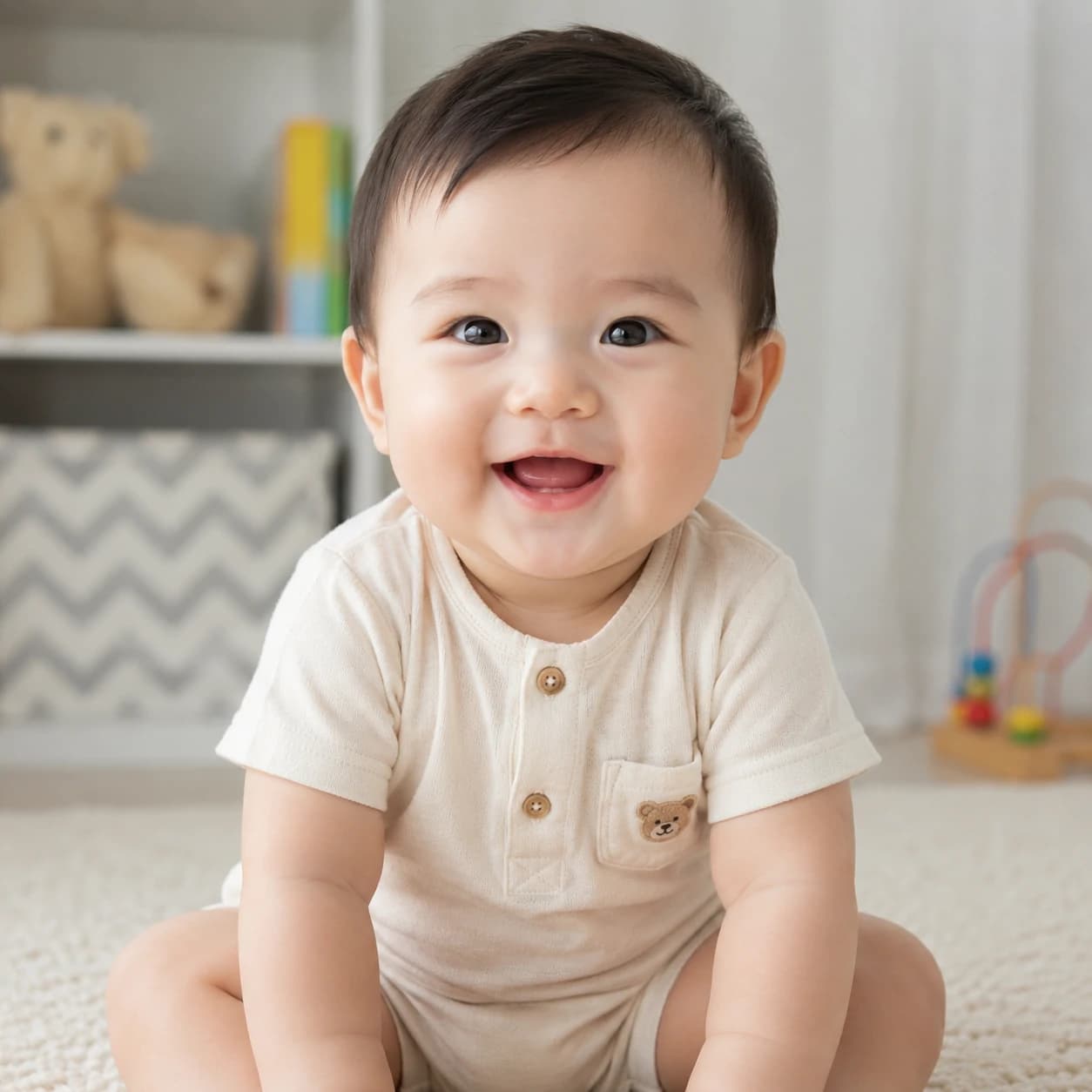
Match the pose before you animate
For a wave, shoulder bounce, or small sway, a close upper-body baby photo can work well.
For stepping, hip movement, or full-body choreography, use a photo where the torso, arms, and legs are visible.
Avoid using a dance reference that turns sideways if the photo only shows a front-facing portrait.
If the baby is wrapped in a blanket, held by an adult, or cropped at the waist, choose a gentler motion reference.
Leave space around the body when possible so the AI baby dance has room to move inside the frame.
Choose the dance reference after looking at what the photo can realistically support.
Fix AI baby dance problems by reading the motion
Most weak results come from a mismatch between the dance reference and the source photo. Diagnose the movement first, then change the input that caused it.
When the dance looks wrong, adjust the motion first
If the face drifts, pick a reference with fewer head turns and less fast camera movement.
If the arms bend awkwardly, use a photo with visible arms or switch to a smaller hand-motion reference.
If the legs look unstable, avoid walking or stepping references unless the baby photo shows the lower body.
If the dance feels too intense, reduce the reference to one repeated bounce, wave, or sway before trying choreography.
If the result looks more like ordinary baby motion than a dance, use a reference with one obvious repeated move.

How to create an AI baby dance video
Build the clip around one motion source. A good AI baby dance starts with a readable dance move, then uses a baby photo that can physically support it.

1
Start with the dance move
Pick a short reference where the main move is easy to read: wave, bounce, sway, or a simple step.
2
Match the baby photo to that move
Use close-up photos for small upper-body motion and full-body photos for stepping or bigger choreography.
3
Upload the photo and motion reference
Use a sample motion for a quick test, or upload a rights-safe dance video that clearly shows the movement.
4
Check duration, mode, and credits
Short references are easier to compare, and the generate button shows the estimated credits before you start.
5
Review it as a motion match
Look for a recognizable face, stable joints, and a dance rhythm that follows the reference without looking forced.
Turn one AI baby dance result into a stronger take
Do not remake the clip with random prompt changes. Use the first result to decide whether the motion, source photo, or share format is limiting the dance.
If the face is good but the dance is weak
Keep the photo and try a reference with a clearer repeated move, such as a wave, bounce, or side sway.
If the dance is good but the body breaks
Keep the reference and switch to a photo with more visible arms, torso, or legs.
If it is for family sharing
Use a softer repeated motion, warm crop, and a short duration so the clip feels cute rather than exaggerated.
If it is for Reels, Shorts, or TikTok
Keep the face centered, use vertical framing, and choose motion that reads in the first second.
If the reference has too much going on
Avoid group dances, fast camera cuts, and complex choreography. One clear move usually makes a better AI baby dance.
AI Baby Dance Generator FAQ
Practical answers for choosing a dance reference, preparing a baby photo, estimating credits, and improving motion quality.
An AI baby dance generator uses a baby photo and a short dance reference to create a playful dancing baby video. The dance reference guides the motion while the baby photo guides the face, body details, and overall look.