Inspirations
AI Baby Talking Generator
Make a baby photo talk with script text or uploaded audio
Make a baby photo talk in a short AI video
Create a talking baby video from one photo, a text-to-speech line, or your own audio. It works best for warm messages people can understand and share quickly.
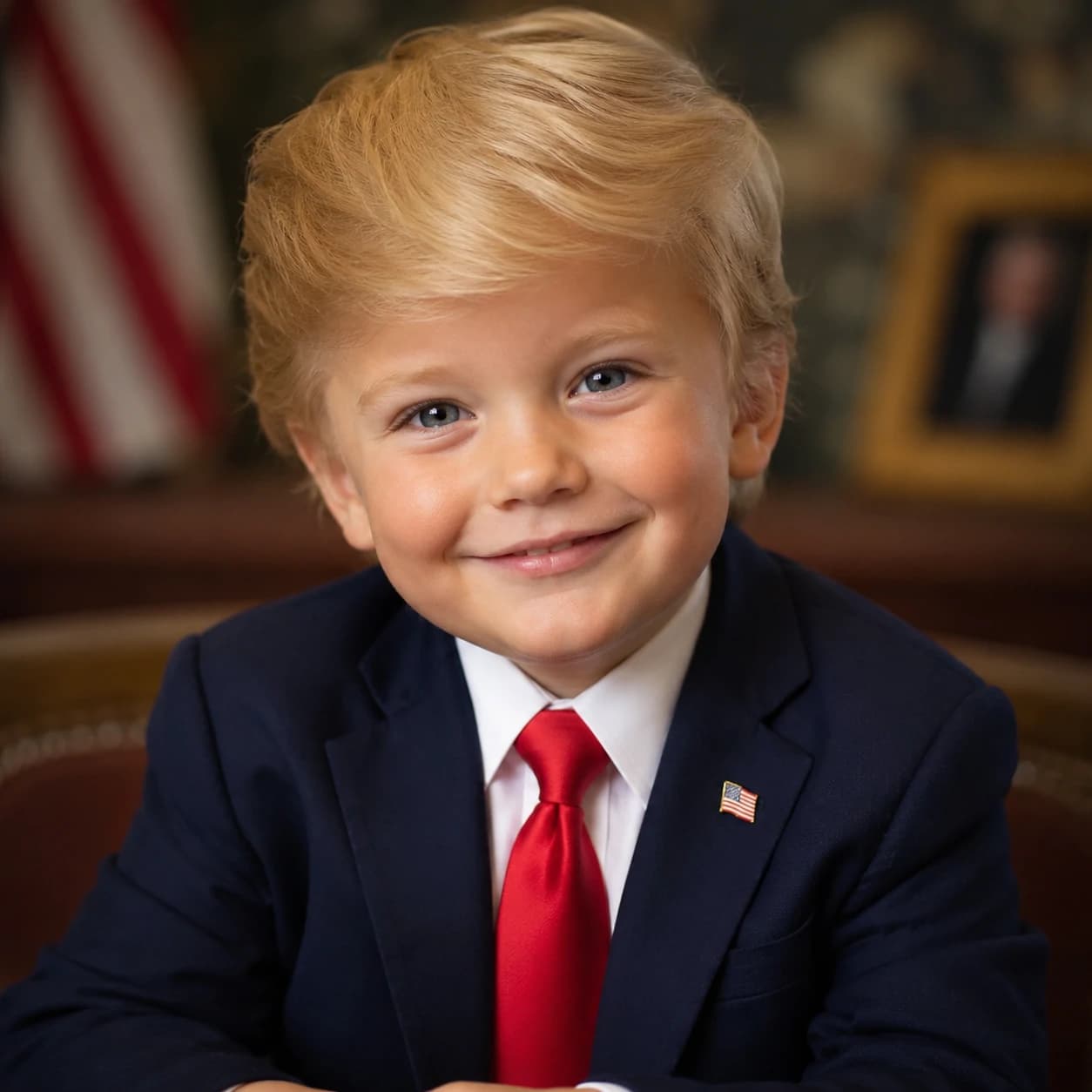
Baby photo + short line = talking baby video
This page is for one clear spoken message, not a long podcast story or a general motion clip. Start with a baby photo that can support lip-sync, then give the video one sentence worth remembering.
Upload one front-facing baby or toddler photo with the mouth, eyes, and cheeks visible.
Type a short text-to-speech line or upload a clean voice recording you have permission to use.
Keep the message focused: one birthday wish, thank-you note, announcement, or funny reply.
Choose voice, resolution, model, and format before generating the lip-synced video.
Review the credit cost first so short tests and final versions stay predictable.
Best for birthday wishes, thank-you clips, and quick replies
If the idea can land in one or two short sentences, this tool is a better fit than a long narrator or podcast format.
Use it when the words are the moment
Birthday wishes for parents, grandparents, siblings, or friends that feel personal without needing a full edit.
Thank-you clips for baby shower gifts, family visits, holiday cards, or quick appreciation messages.
Pregnancy announcements, new sibling reveals, milestone updates, and playful family news.
Funny talking baby replies for Reels, Shorts, TikTok, and private family chats.
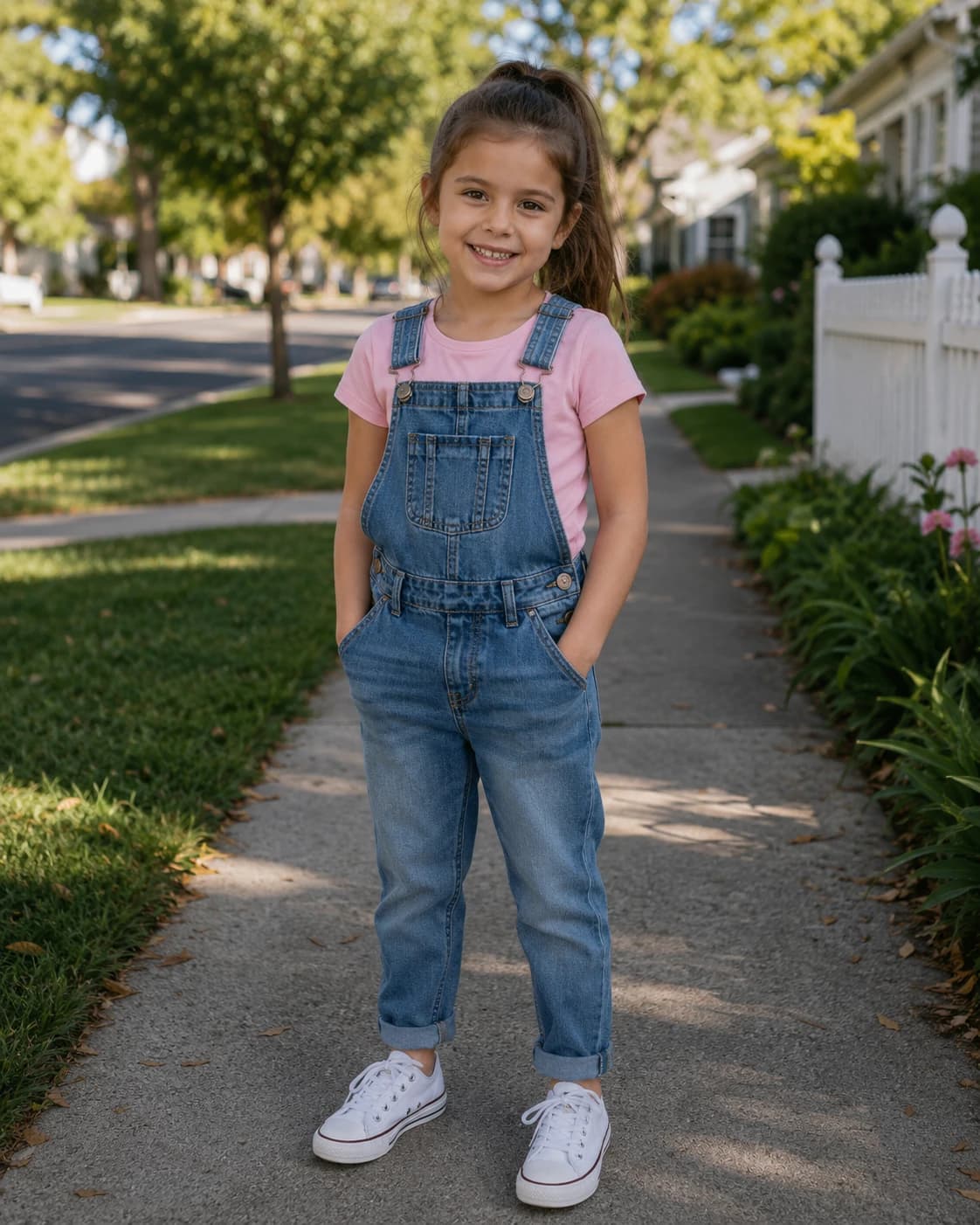
Pick the finished message before writing the line
The best talking baby clips are easy to imagine before you generate them: who receives it, what they should feel, and what the baby says.
01
Grandparent birthday video
A warm birthday wish that feels made for one person, not a generic greeting card.
"Happy birthday, Grandma. I am sending you my biggest smile today."
02
Baby shower thank-you
A short appreciation clip for gifts, visits, and family help after a shower or birthday.
"Thank you for my sweet gift. I cannot wait to see you soon."
03
New sibling reveal
A simple announcement works better than packing the clip with dates, names, and extra details.
"I have big news. I am going to be a big sister."
04
Funny family reply
Use light humor for private chats or social posts. The joke should still make sense without a long setup.
"I did not skip nap time. I was doing important research."
05
Holiday greeting
Use a cozy photo and one cheerful line for Christmas, New Year, Mother's Day, Father's Day, or family holidays.
"Merry Christmas from our little family. Sending you hugs and smiles."
06
Caption-friendly social hook
For short-form posts, write a sentence that also works as on-screen text when people watch muted.
"I may be tiny, but I have a very important announcement."
Choose text-to-speech or your own audio
Pick the input path that gives you the clearest voice, easiest rights situation, and best lip-sync timing for the message.
Text-to-speech script
Best for quick birthday wishes, thank-you notes, announcements, and greeting-card style clips.
Use one or two short sentences with natural punctuation so the voice pauses in the right places.
Write the line the way someone would say it aloud; plain language usually lip-syncs better than dramatic wording.
Your own audio
Best when you already have a voice recording, family audio, or approved sound you are allowed to use.
Use clear speech with low background noise, steady volume, and no long silence at the start.
Keep the audio short so the mouth movement stays readable and the clip feels intentional.


Choose a baby photo that can lip-sync cleanly
A cute photo is not always a strong talking photo. Lip-sync needs a readable mouth area, steady face angle, and enough detail around the cheeks and eyes.

Use a photo made for talking, not just a cute pose
Use one baby or toddler as the clear subject. Group photos make it harder to decide who should talk.
Choose a front-facing or slightly angled portrait where the mouth is visible and not hidden.
Avoid pacifiers, fingers, toys, bottles, blankets, or heavy shadows covering the lips.
Prefer a relaxed smile or neutral expression; extreme open-mouth laughter can make speech shapes harder to control.
Skip heavy filters, screenshots, and low-resolution crops when possible.
If the first result changes the face too much, use a sharper portrait and a shorter line.
Fix weak lip-sync by checking the line first
Most talking baby issues come from a line that is too long, audio that starts late, speech that is too fast, or a photo where the mouth is hard to read.
Make the message easier for the mouth to follow
If the mouth looks unstable, cut the message to one clear sentence and add natural punctuation.
If uploaded audio starts late, trim silence or breathing noise before the first word.
If speech feels too fast, record or write a slower version with fewer words.
If the face drifts, switch to a sharper portrait with less shadow and fewer objects near the lips.
If the idea needs several lines or a story arc, use AI Baby Podcast instead of forcing this short-message tool.

How to use the AI Baby Talking Generator
Create a short talking baby video by pairing one mouth-friendly photo with one clear spoken line and a share format.

1
Choose the message type
Decide whether this is a birthday wish, thank-you note, family announcement, holiday greeting, or funny reply.
2
Upload a lip-sync friendly baby photo
Use a clear portrait with visible eyes, nose, cheeks, and mouth. Avoid covered faces or group photos.
3
Add text-to-speech or permitted audio
Type a short line for AI voice generation, or upload a clean recording you have permission to use.
4
Choose voice, resolution, and model
Pick the voice and quality settings that fit the clip. Higher quality is better for keepsakes and close-up viewing.
5
Generate and review the first seconds
Check credits first, then see whether the mouth follows the line quickly and the face stays recognizable.
Turn one talking baby clip into the right share version
After the first result, choose the version that fits the audience: family message, announcement, private thank-you, or short social hook.
Family message version
Use a warmer voice, slower pacing, and a line that names the person receiving the clip.
Announcement version
Keep the reveal simple and save dates, names, and details for the caption or message body.
Own-voice version
Use your own recording when emotion matters, but keep it clean, slow, and rights-safe.
Social hook version
Write a line that works both as audio and on-screen text for viewers who watch muted.
Send non-speaking ideas elsewhere
Use baby video, dancing baby, or baby singing tools when the goal is motion, dance, or music instead of speech.
Save the winning setup
Keep the best photo, voice, script length, and resolution notes so future talking baby videos are faster to make.
AI Baby Talking Generator FAQ
Practical answers for making a baby photo talk with AI, using script text or uploaded audio, and getting cleaner baby lip-sync results.
What is an AI baby talking generator?
Should I use script text or uploaded audio?
What photo works best for baby lip-sync?
How long should a talking baby script be?
Can I make talking baby videos for Reels, Shorts, or TikTok?
Can I use AI baby talking videos commercially or online?
How is AI baby talking different from an AI baby podcast?
Is the AI baby talking generator free?